Portable Power Stations Below −15°C: A Winter Shift and Charging Plan
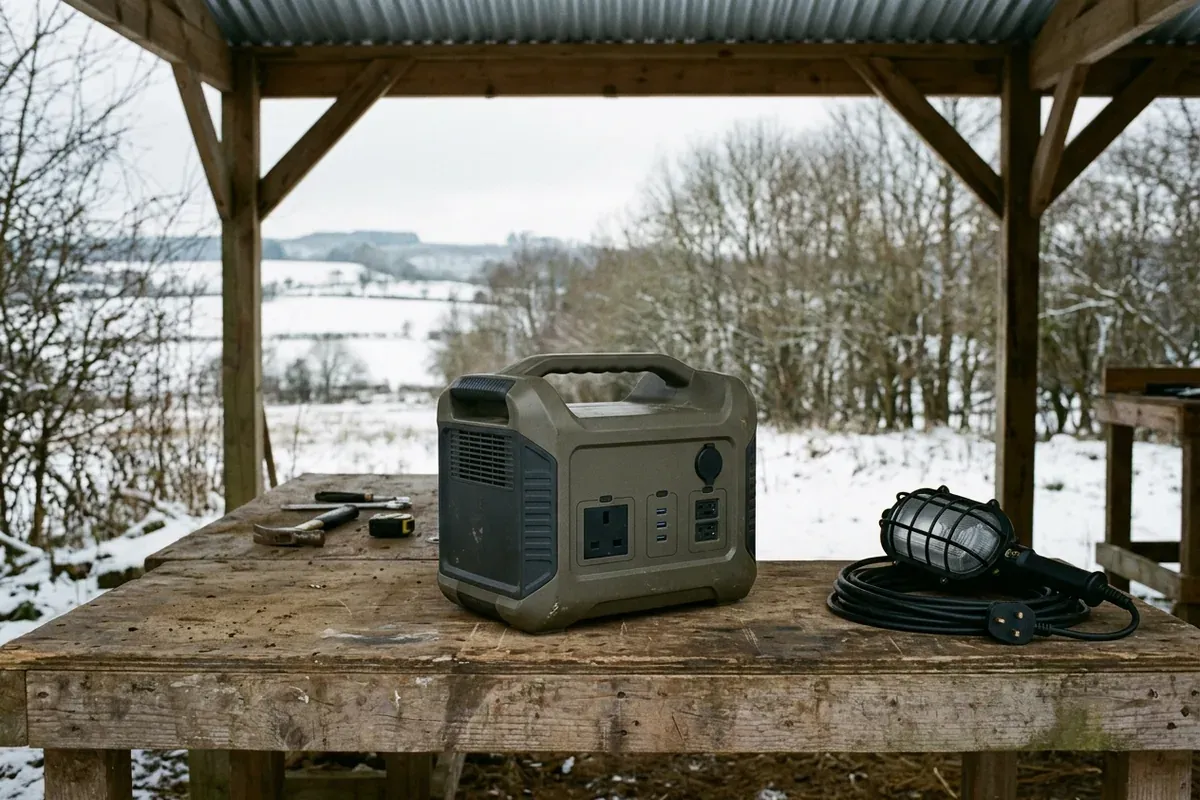
A missed recharge stop can leave the next winter shift without power. Check the exact unit’s discharge, charge, storage and recovery conditions separately, then record whether each planned location meets them.
Scroll horizontally to see all columns.
| Planning input | Where to obtain it | What the shift lead decides |
|---|---|---|
| Exact unit and manual edition | Housing label and matching manufacturer manual | Which instructions govern this station |
| Operating, waiting and recharge locations | The actual work plan and a local temperature reading | Whether each location meets its own conditions |
| Device load and duration | Device labels and the shift schedule | What must run, and what can wait |
| Charge level and warning state | Unit display or supported app | Whether the planned load still fits the applicable conditions |
| Replacement supply and handover time | Equipment allocation and crew roster | What happens if the unit must be held back |
For the energy calculation, use the portable power station sizing guide. Here, keep the temperature decision separate from the watt-hour estimate.
Can a portable power station work below −15°C?
Some model documentation permits discharge there; other documentation does not. Compare the exact editions before deciding. These are manufacturer-published conditions, not measured winter performance.
Scroll horizontally to see all columns.
| Model and opened manual | Discharge | Charging | Storage | Decision for a location below −15°C |
|---|---|---|---|---|
| EcoFlow DELTA 2, V1.0 EN | −10 to 45°C | 0 to 45°C | −10 to 45°C; optimal 20 to 30°C | Outside the published discharge and storage ranges |
| EcoFlow DELTA 2 Max, V1.0 | −10 to 45°C | 0 to 45°C | −10 to 45°C; optimal 20 to 30°C | Outside the published discharge and storage ranges |
| Jackery Explorer 3000 Pro, JE-3000A, JAK-UM-V1.0 | −20 to 40°C; low-temperature mode has additional output conditions | 0 to 40°C | −20 to 25°C, specified for one year | Only within the discharge range down to −20°C; check mode and location restrictions |
Sources: the specifications sections of the DELTA 2 manual, DELTA 2 Max manual, and Explorer 3000 Pro manual, printed pages 1–2, 1–2 and 01 respectively; Jackery storage condition is on printed page 09. Accessed October 15, 2026.
Both EcoFlow manuals qualify charging and discharging by the actual battery-pack temperature. Record outdoor air readings as air readings; do not rename them “battery temperature.” Where the unit does not expose that information, write “Unknown / verify on the unit” and follow its instructions and warning state. Opening the case is not part of this record.
A storage range answers a different question from a charging range. Likewise, moving a cold unit into a room does not, by itself, document that the battery is ready to charge. Leave the charge-permission field unresolved until the applicable conditions are established.
Does the output limit change during the shift?
The Explorer 3000 Pro manual’s low-temperature mode covers −20 to −10°C. Its printed page 04 ties maximum discharge power to remaining charge. Examples inside the stated bands are:
Scroll horizontally to see all columns.
| Displayed charge in low-temperature mode | Manual maximum discharge power for that band |
|---|---|
| 80% | 3,000 W |
| 50% | 2,000 W |
| 20% | 800 W |
These are readings chosen to explain the manual, not test results. Its wording overlaps at exactly 60%; confirm that boundary with Jackery before assigning a load that depends on the higher limit.
Our planning recommendation is to check the load against the later part of the shift as well as the starting state. Write a swap or load-reduction checkpoint into the handover. Do not turn a published output ceiling into a promise that a load will run until that checkpoint: energy, duration and output compatibility still need their own checks.
Where will the station recharge, and what clears a cold warning?
Name the recharge location before dispatch. Include the return journey and the time available before the next shift; do not assume an unused outlet or a solar connector establishes permission to charge.
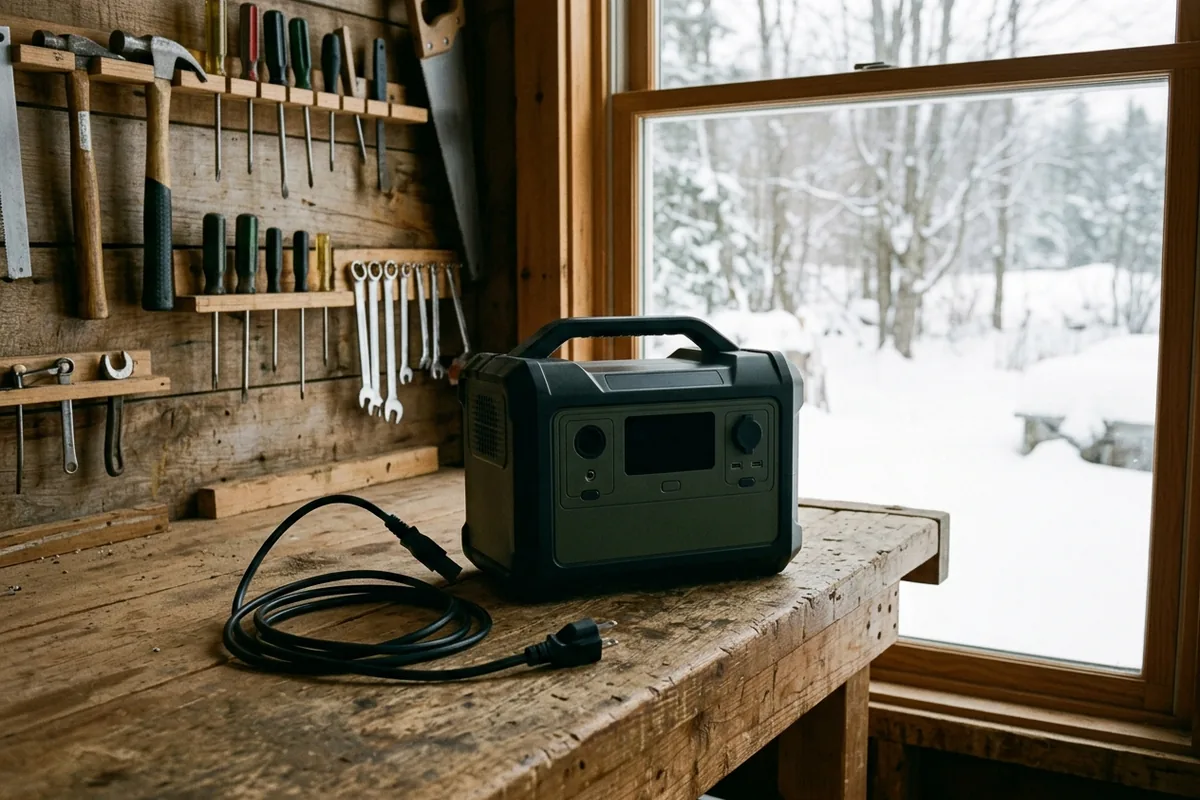
After a protection stop, consult the troubleshooting row as well as the specifications. For these two EcoFlow editions, the printed page 14 entries say:
Scroll horizontally to see all columns.
| Cold-protection entry | DELTA 2 V1.0 | DELTA 2 Max V1.0 |
|---|---|---|
| Battery charging protection | Automatic charging recovery once battery temperature rises above 5°C (41°F) | Same stated recovery condition |
| Battery discharging protection | Automatic supply recovery once battery temperature rises above −12°C (10°F) | Same stated recovery condition |
| AC low-temperature protection | Normal operation resumes at optimum environmental temperatures | Same stated recovery condition |
The recovery condition does not replace the operating range. In particular, the discharge-recovery entry is not permission to plan operation below the published −10°C minimum. A reading at the bottom of the charging range also does not establish that a previously triggered charging protection has cleared.
Jackery’s printed page 04 says the low-temperature warning recovers automatically after ambient temperature is restored. It gives no numerical restart threshold in that entry. Keep that field “Unknown / verify on the unit”; do not copy the EcoFlow recovery values into it.
Record the actual warning, which function stopped, the relevant manual row and what changed before recovery. If the symptom does not match a temperature entry, use the power station troubleshooting record instead of repeatedly trying a generic reset.
Does the location remain dry and ventilated?
Check the intended operating position separately from the temperature table. Jackery’s printed page 10 restricts this edition to indoor use; its colder discharge range does not permit exposure to snow or rain. The DELTA 2 Max safety instructions prohibit rain/high humidity and require unrestricted ventilation. DELTA 2 specifies dry, ventilated storage. Follow the environmental instructions for the particular unit.
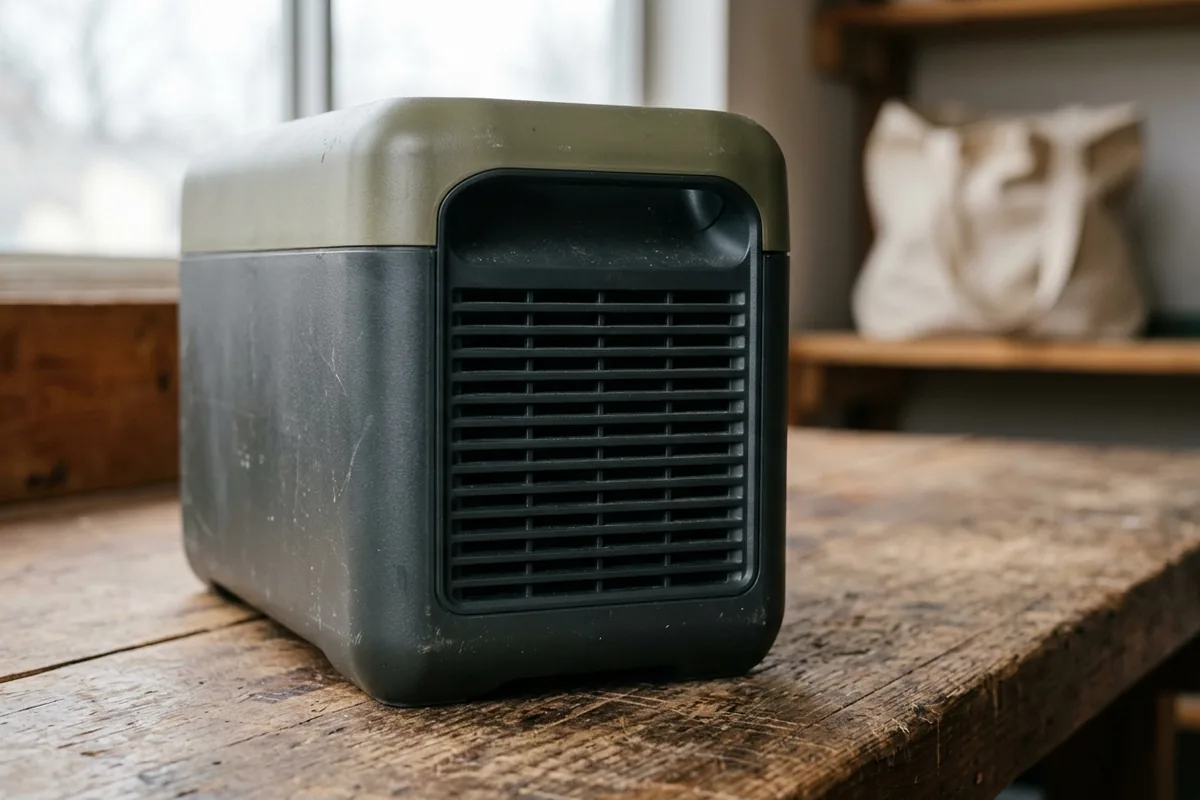
For the location record, describe the surface, exposure and vent access in plain words. “Inside the equipment room, dry bench, vents unobstructed” gives the next crew something to inspect. “Protected from the cold” leaves the arrangement unclear.
This plan does not prescribe wrapping a running station, putting it in a closed bag, or adding a heater. If the location cannot meet the manual, hold the unit back and arrange another permitted supply position. The power and lighting hub links the sizing and supply-route decisions for that change.
What should the next crew receive?
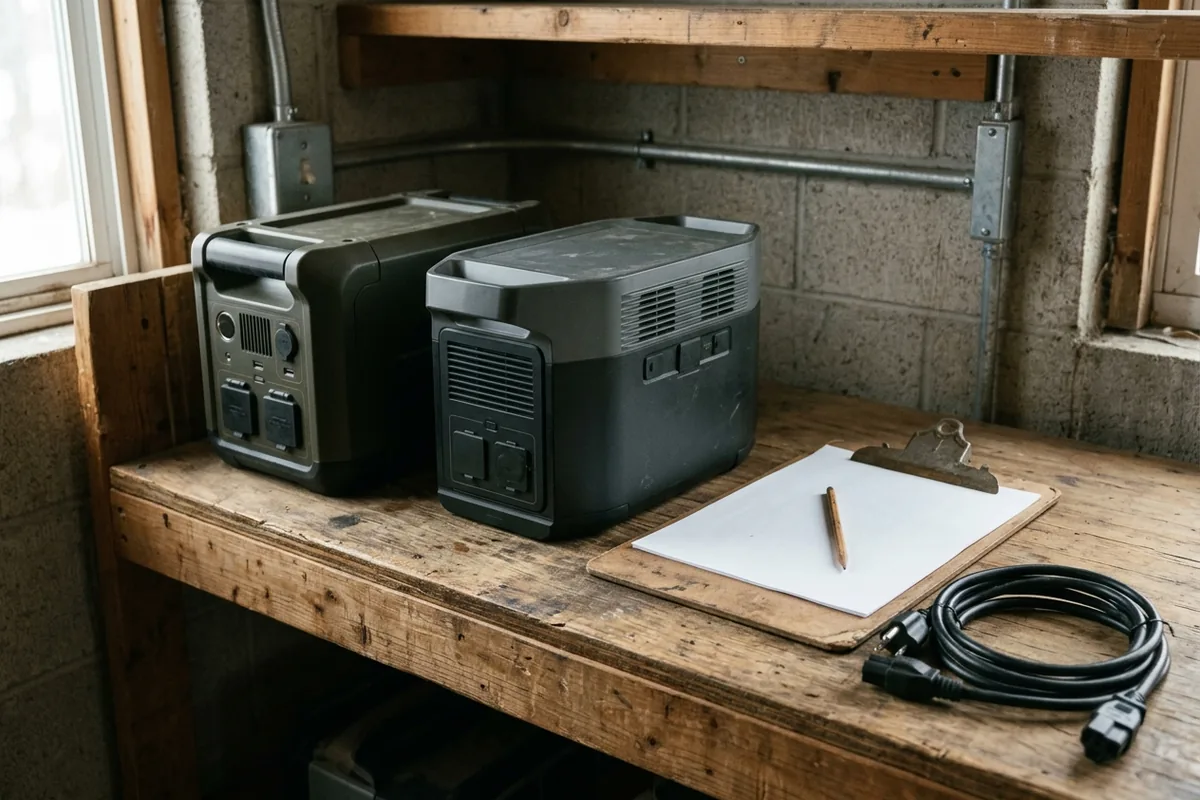
Download the blank manual comparison record once per unit, then use the winter shift and recharge log throughout the day. Both are editable blank CSVs; the comparison values above are not prefilled into an unidentified unit’s record.
Scroll horizontally to see all columns.
| Checkpoint | Write down | Decision to leave for the next person |
|---|---|---|
| Before dispatch | Unit identity, manual edition, assigned devices, planned operating and recharge positions | Release or hold; identify any missing condition |
| At setup | Time, location, air temperature, separately identified unit/app reading if available, charge level and warnings | Whether the planned use still fits the manual |
| During the shift | Actual output/load changes, charge level, warnings and any interruption | Continue, reduce the planned load or arrange replacement |
| At the recharge stop | Location, applicable charge/recovery conditions, input indication and charge-level observations | Whether charging actually started; what remains unresolved |
| At handover | Latest state, unresolved warnings, next check time, fallback supply and responsible person | Accept the unit for the next task or keep it on hold |
A useful hold note names the gap: “Charge recovery not established; replacement unit assigned; next crew to recheck against the named manual.” Do not write “ready” simply because the station has reached the recharge room. For this workflow, our recommendation is to mark it ready only after the necessary conditions and the required next-task state have been checked.
Keep the log with the equipment. For longer storage and recurring upkeep, return to the maintenance planning guide and the unit’s own manual rather than extending this shift log into a maintenance schedule.
Method and limits
Updated October 2026. This guide compares the three manufacturer manuals identified above, fetched and read on October 15, 2026. Values are edition-specific published statements. The shift sequence, blank records and hold decisions are editorial planning aids derived from those distinctions; they are not manufacturer-approved procedures or a safety certification.
We have not tested these stations in the cold. The guide supplies no capacity-loss percentage, warm-up time or runtime guarantee. A different model, including a DELTA Pro, needs its own manual and record. Site electrical requirements, device compatibility and the suitability of the actual location still need checking before use.
Downloads
- Cold-weather manual comparison record (CSV) CSV Blank per-unit fields for operating ranges, protection recovery and manual references.
- Winter shift and recharge log (CSV) CSV Blank checkpoint rows for staging, operation, recharge and crew handover.
Sources and versions
- EcoFlow DELTA 2 User Manual V1.0 (EN) , EcoFlow Supports: Model-specific discharge, charging and storage ranges; actual battery-pack temperature condition; low-temperature charging/discharging and AC protection recovery; dry storage.
- EcoFlow DELTA 2 Max User Manual V1.0 , EcoFlow Supports: Model-specific temperature ranges, pack-temperature qualification, separate cold-protection recovery rows, ventilation and environmental restrictions.
- Jackery Explorer 3000 Pro User Manual (JE-3000A, JAK-UM-V1.0) , Jackery Supports: Charge/discharge ranges, one-year storage condition, charge-level-dependent low-temperature mode, warning recovery, dry ventilated placement and indoor-use restriction.
Next steps
How to Size a Portable Power Station for Outdoor Work
Size a portable power station for outdoor work: list loads, check continuous and surge watts, estimate watt-hours with stated assumptions, and verify charging.
Portable Power Station Troubleshooting: A Field Fault Record
Record a portable power station that will not start, charge, or feed a port against the matching manual, then stop when that edition says to call the supplier.
Portable Power & Lighting
Work out how much portable power and light an outdoor site needs, then compare options and put the requirement into a purchase request.