Portable Power Station for Home Backup: Appliance Startup Checks, Duty Cycles, and Corded Load Limits
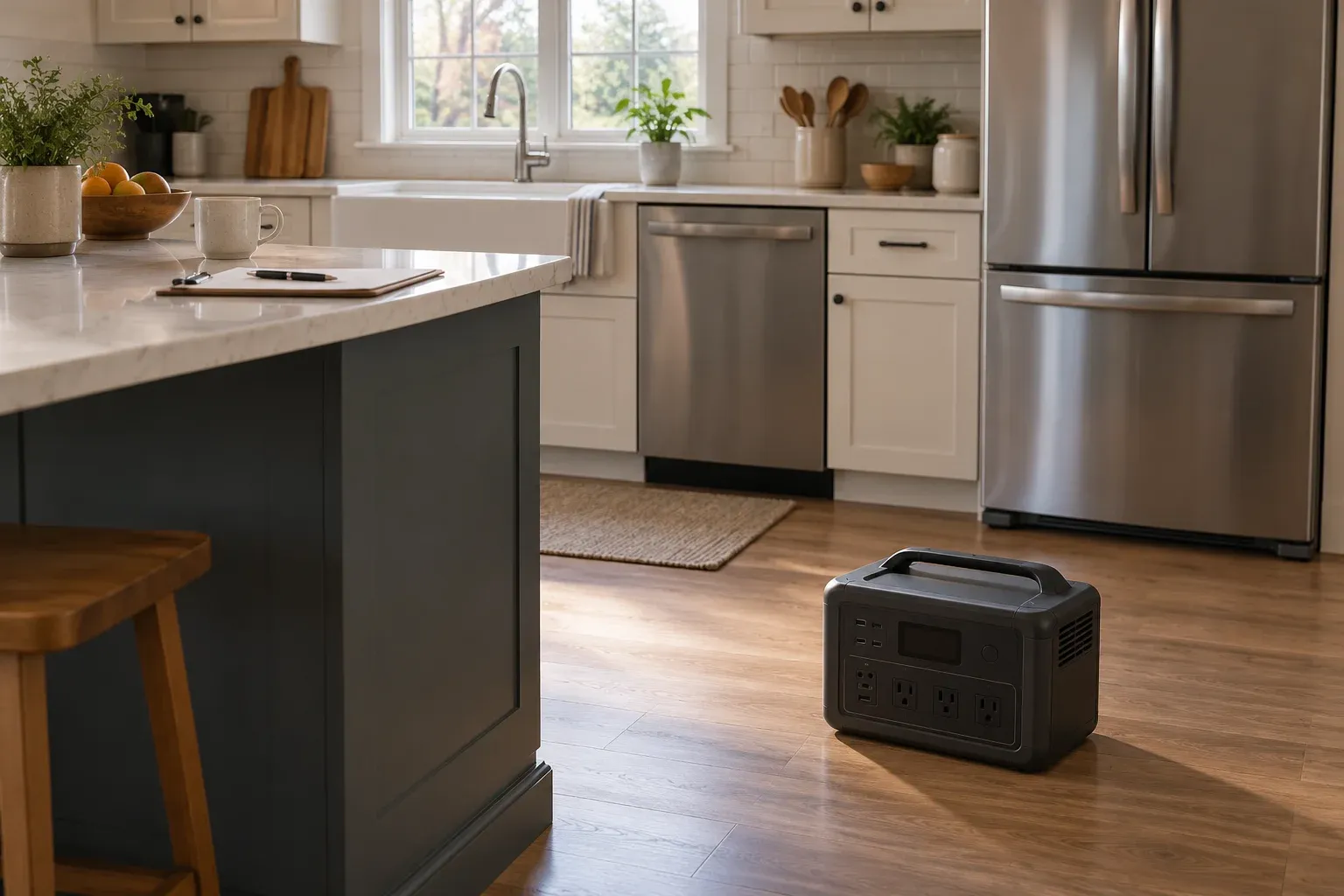
Choose a portable power station for home backup by working through your intended appliances, their connection instructions, and your outage schedule. Keep the appliance load at or below the portable power station’s continuous rated AC output. Refrigerators, freezers, and air conditioners place a high demand on the power source when the compressor starts.
Use this checklist for your battery backup for home power outage plan:
- Gather the appliance model and electrical instructions.
- Record running demand, compressor startup information, and intended operating periods separately.
- Review each proposed cord and connection.
- Complete the household load worksheet before choosing the station.
Explore the Power & Lighting guides for the wider equipment plan.
Start with the appliance, not the battery size
Find rated appliance power consumption in the model specifications or on the appliance rating plate. For appliances with adjustable settings, actual power consumption depends on the setting used. Many appliances continue to draw a small amount of power when switched off.
Make a separate worksheet entry for the refrigerator, sump pump, router, lamps, and any medical device you intend to include. Beside each entry, write the exact model and the purpose you want it to serve during an outage. Record the settings you intend to use rather than leaving the operating mode unspecified.
For each candidate station, set out its continuous output, surge specification, energy capacity, and connection instructions in separate fields. Compare your appliance records with those fields. Keep startup information attached to the appliance it describes; avoid substituting a generic household label for the model.
Separate compressor startup from duty cycles
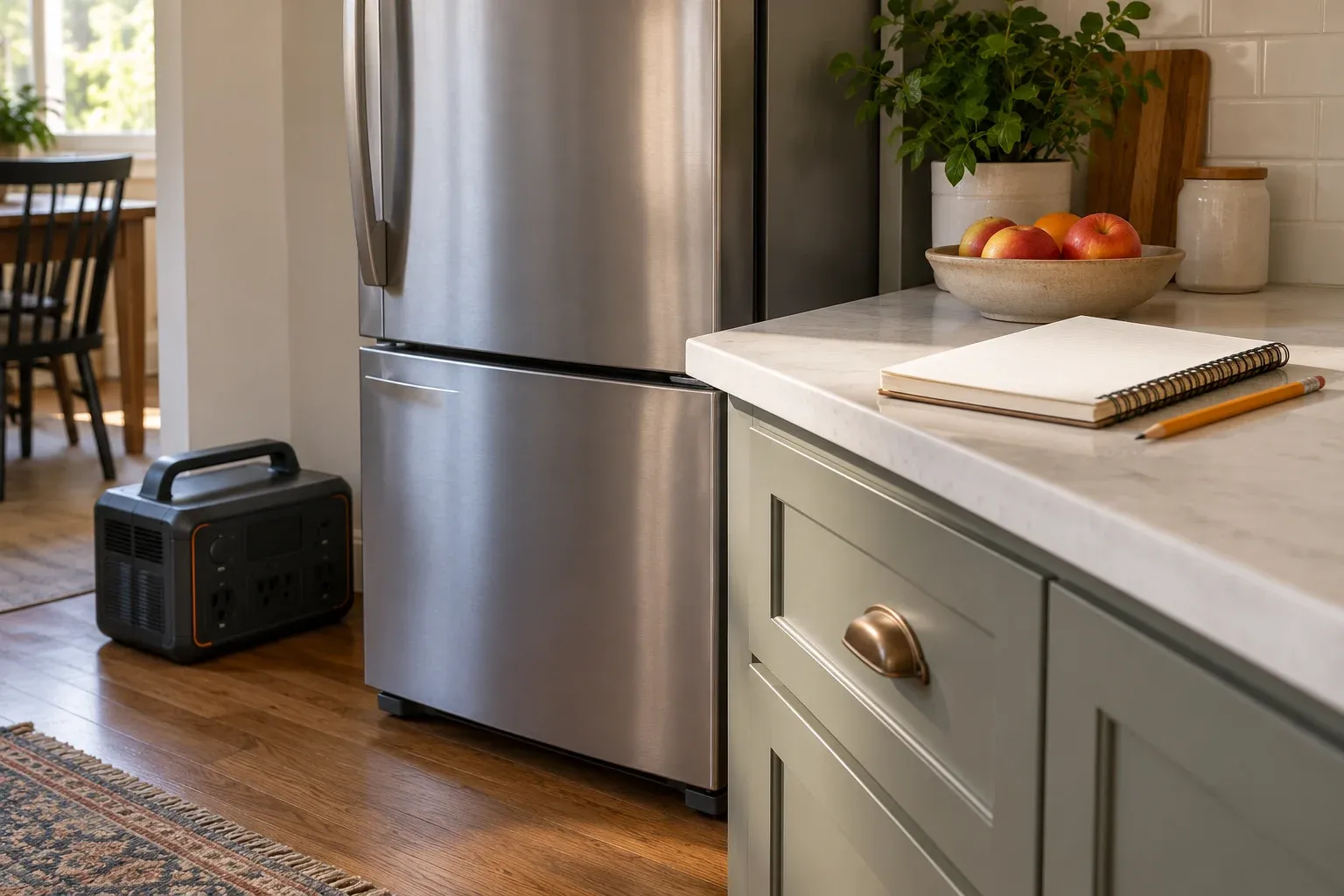
Refrigerators cycle on and off to maintain their interior temperatures. Frost-free refrigerators also have a defrost cycle. Use the refrigerator’s installation instructions for its model-specific electrical requirements.
For the refrigerator entry, ask: What happens at compressor startup? What operating period does the energy record cover? Does the record include the selected temperature setting and the appliance’s cycling behavior? Put these answers beside the running-power entry.
Daily energy consumption (kWh) = wattage × hours used per day ÷ 1000.
Use actual operating time in the energy calculation. Keep the observation period and operating settings with the result, and carry that record into the portable power station sizing guide.
Operating time (h) = energy capacity after conversion (Wh) / appliance power (W).
Use after-conversion energy in that runtime formula. Record the required backup duration alongside your estimate, then review the startup and connection fields separately. For the changeover question, continue to portable power stations versus UPS systems.
Check the cord before planning the route
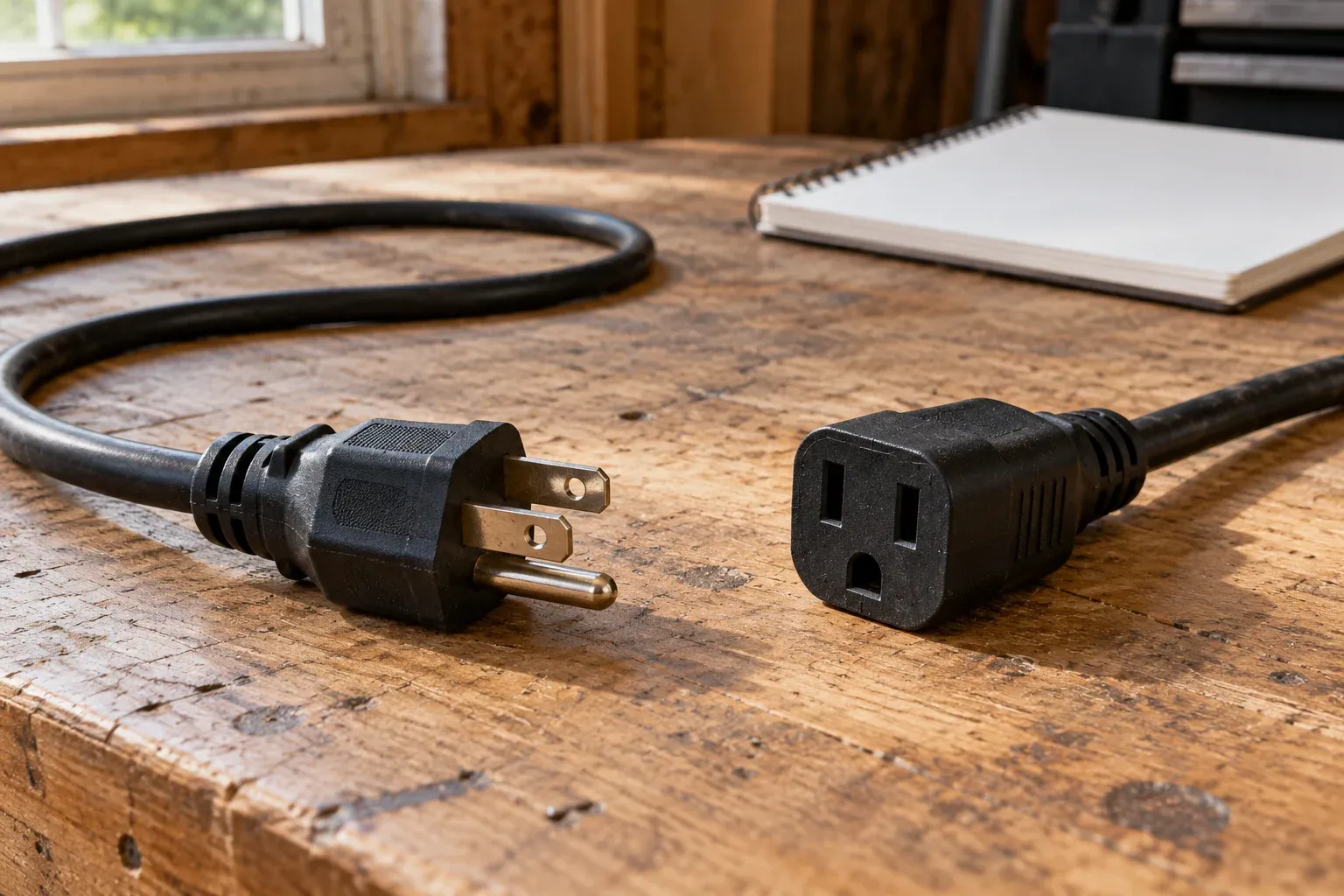
An extension cord used with grounding-type equipment must contain an equipment-grounding conductor. Do not alter plugs or receptacles in a way that interrupts the equipment-grounding conductor. Protect extension cords from damage and avoid sharp corners.
Read the proposed cord’s own specification and the appliance’s connection instructions. Compare the following catalog entries by their exact stock identifiers:
- Southwire 2368SW8806 has 16/3 conductors. Its listed length is 50’. Its amperage rating is 13 AMPS.
- Southwire 2568SW0006 has 12/3 conductors. Its listed length is 50’. Its amperage rating is 15 AMPS.
Copy the identifier, conductor specification, length, and current rating into your worksheet. Keep the rating attached to that exact cord entry. Sketch the route from the planned station position to the appliance and mark sharp corners or places where the cord needs protection.
Check a sump pump’s connection instructions
Zoeller’s AQUANOT Spin sump-pump installation instructions prohibit using an extension cord with the pump. Disconnect the pump from its power source before handling it. Do not lift or carry the pump by its power cord.
Put the pump’s connection instruction ahead of cord shopping in your checklist. Record the exact pump model and its startup information in the same row before considering a station.
Exclude male-to-male cords
Never use a male-to-male extension cord. Its exposed prongs can become energized when connected to a power source, creating a risk of electrocution or fire.
Keep the load worksheet focused on individual appliances and their permitted connections. Leave wall-outlet backfeed connections out of the plan.
Give medical devices their own check
Check the medical-device instructions or manufacturer to determine whether the device can use batteries or a generator. Notify the electric company and fire department about a medical device that requires power.
Do not plug in a medical device if the device or its power cord is wet. After power returns, check that the medical-device settings have not changed.
Keep the device’s instructions with the household outage record. Add fields for its prescribed operating settings, approved power arrangement, and the action to take when supply is interrupted. Complete this entry separately from convenience loads.
Complete the home outage worksheet
Download the home outage appliance and cord worksheet. Use it to organize your portable battery backup for home decision before purchasing equipment.
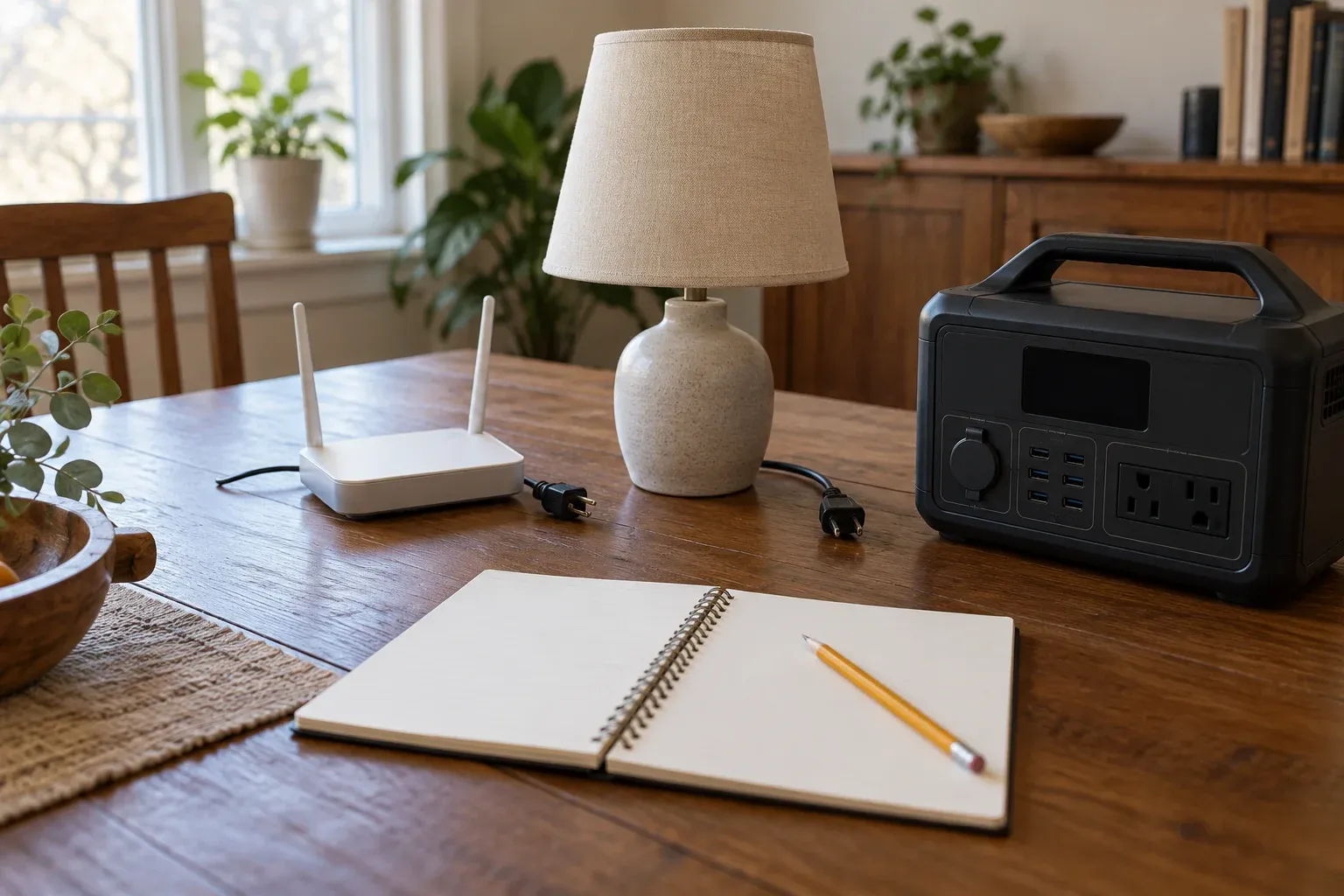
For each appliance, fill in:
- Exact model, priority, and intended operating settings.
- Rated running demand and the place you found it.
- Startup information and its stated duration, where supplied.
- Energy record, observation period, and desired backup duration.
- Permitted connection, grounding instructions, and proposed cord identifier.
- Candidate station, manual edition, output settings, and compatibility check.
- Restart observations and your alternative arrangement for the load.
Work through the entries with the appliance manuals beside you. Revisit incomplete connection or startup fields before choosing the station. For other planning forms, browse the equipment resources.
Sources
- Jackery — Startup Power and Continuous Power
- GE Appliances — Running an Appliance on a Generator
- GE Appliances — Refrigerator Electrical Requirements
- Virginia Cooperative Extension — Estimating Appliance Energy Use
- Virginia Tech EHS — Extension Cord Safety
- Southwire — Assembled Solutions Catalog
- Zoeller — AQUANOT Spin Installation Instructions
- CPSC — Male-to-Male Extension Cord Warning
- FDA — Medical Devices and Natural Disasters
Downloads
- Home outage appliance and cord worksheet CSV Complete the appliance, startup, energy, connection, and cord fields.
Next steps
How to Size a Portable Power Station for Outdoor Work
Size a portable power station for outdoor work: list loads, check continuous and surge watts, estimate watt-hours from the hours and the loss and reserve you write down, and verify charging.
Portable Power Station vs UPS: Checking EPS Compatibility for Field Electronics
Compare published EPS and bypass statements with a field device, then record the acceptance conditions on a blank sheet.
Portable Power & Lighting
Work out how much portable power and light an outdoor site needs, then compare options and put the requirement into a purchase request.