Portable Power Station vs UPS: Checking EPS Compatibility for Field Electronics
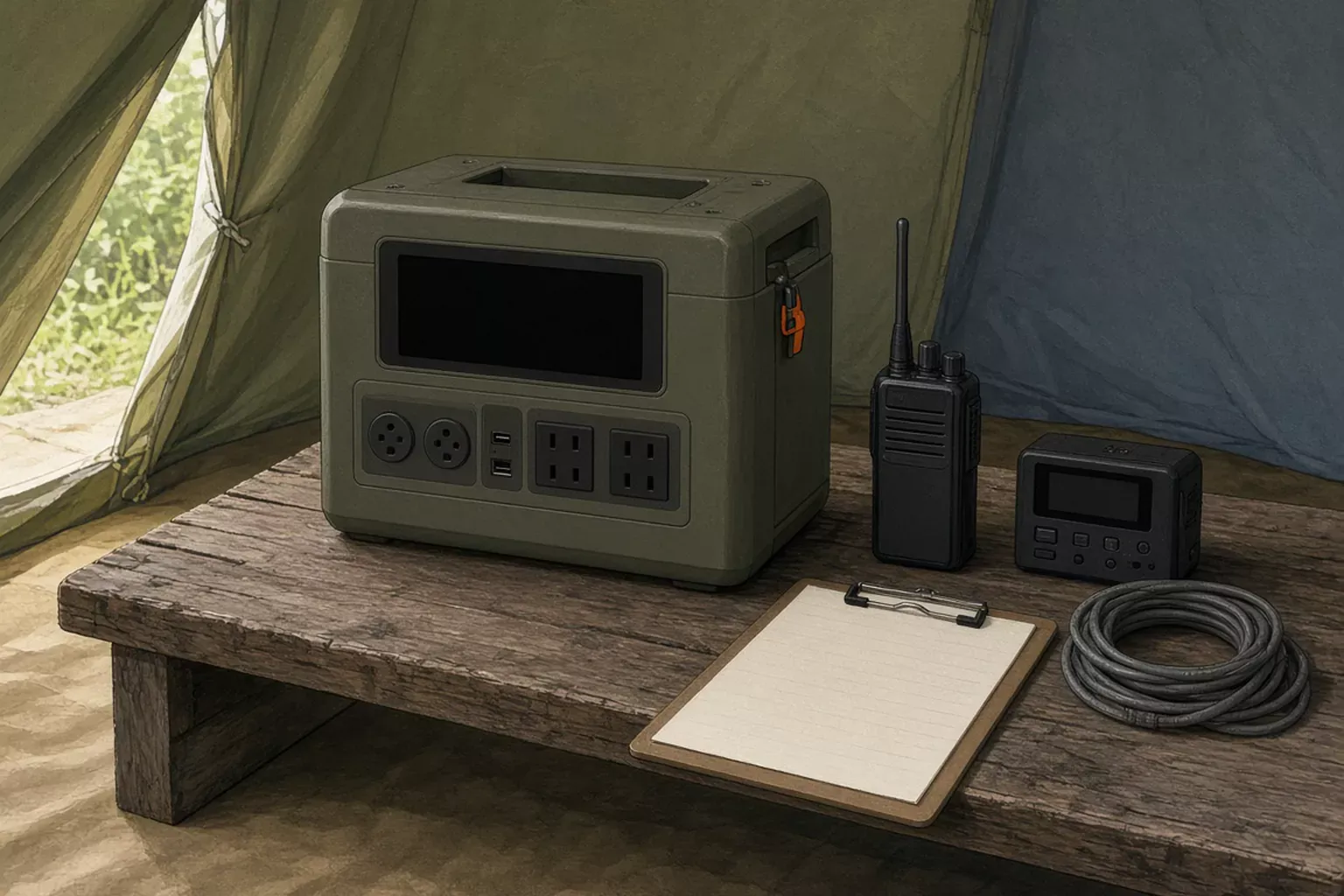
Treating the station as a UPS fails when the device needs a faster switch than that model’s manual states. Record the EPS line, the bypass limit, and the result of the test the manual asks for. The rows below come from three published manuals. SavvySkull has not measured a switch time.
Scroll horizontally to see all columns.
| Item | What those manuals state | Why it matters |
|---|---|---|
| While the wall is up | AC outlets are fed from the mains | Battery power starts after the mains drop |
| After the wall drops | DELTA 2 and DELTA 2 Max: within 30 ms. Explorer 3000 Pro: within 20 ms | A gap remains. None of the three calls the switch 0 ms |
| Devices they exclude | Equipment that needs 0 ms UPS. Data servers and workstations are the examples they name | If the device manual asks for 0 ms, stop |
| How many loads | One device at a time in each EPS section | A second device sits outside that instruction |
Can a portable power station be used as a UPS? On these three editions, only as the EPS function printed in that manual, and only after you match it to one device and write down what you accept. EcoFlow calls the function a basic UPS. Jackery calls it a non-professional UPS. Both say it does not support 0 ms switching, and both tell you to test before use. A field radio or recorder can be that one device when its own manual does not require 0 ms power. The finished row records the test and the conditions you accept. It does not promise the device will keep running with no gap. Capacity math stays on the sizing guide. A fuel generator is a different supply route, covered in the generator comparison.
Transfer from the wall to the battery
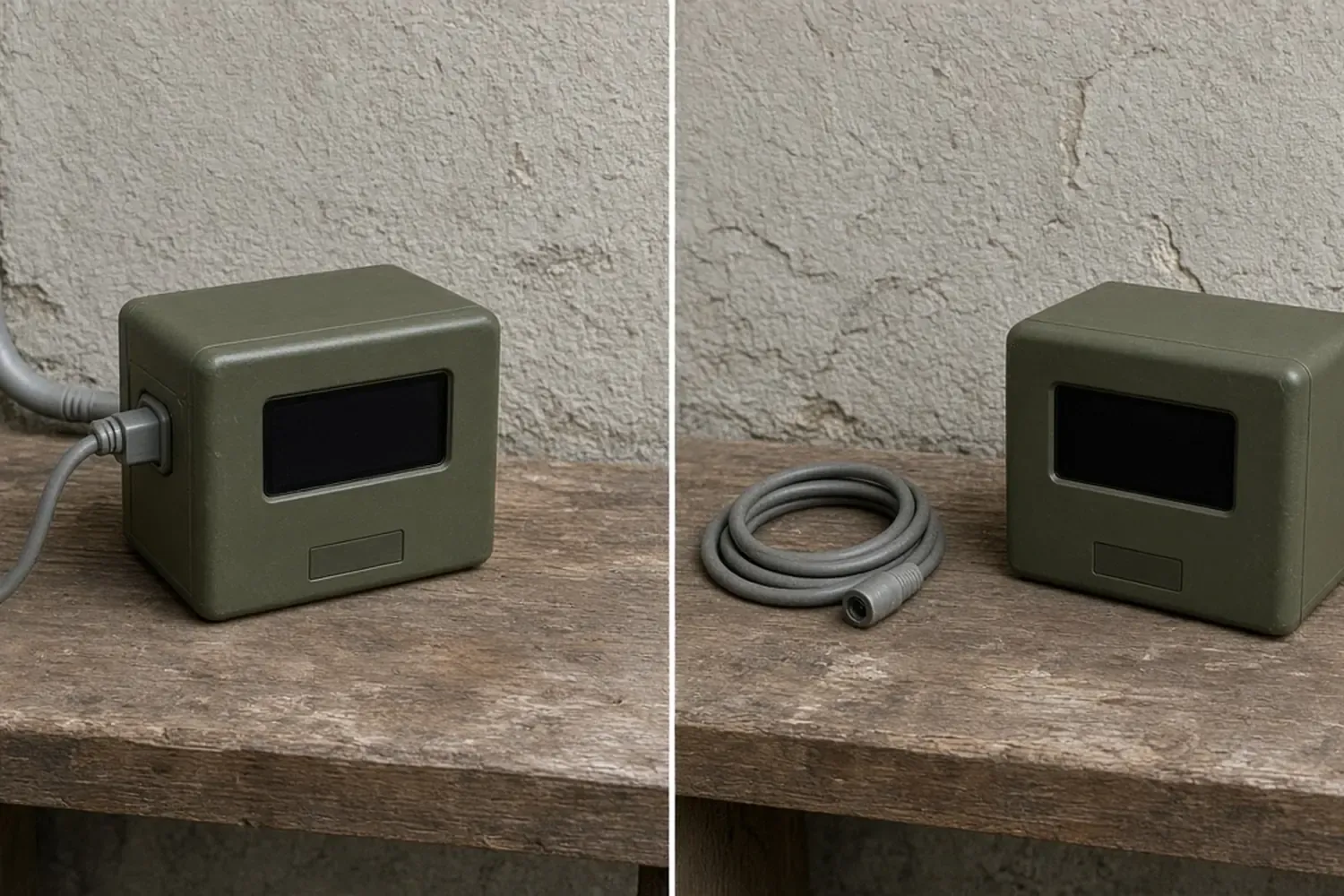
While grid power is on the AC input through the AC cable, the DELTA 2 V1.0 manual and the DELTA 2 Max V1.0 manual say you can power devices from the AC output, and that this power comes from the grid, not from the power station. The Explorer 3000 Pro manual says the same thing in its EPS paragraph: with mains on the AC input through the AC charger cable, the AC output can power the unit, and at that point the AC power comes from the mains, not from the EPS battery.
If the mains drop suddenly, each manual states an automatic switch to battery power. The times below are quotations from those editions. They are not a result from this site, and they do not transfer to a different model or a later printing.
Scroll horizontally to see all columns.
| Manual | Name it uses | Switch it states | What it refuses |
|---|---|---|---|
| DELTA 2 User Manual V1.0 | EPS (Emergency Power Supply) | Switches to battery-powered supply within 30 ms | 0 ms switching. Do not connect a device that requires 0 ms UPS, such as data servers and workstations |
| DELTA 2 Max User Manual V1.0 | EPS (Emergency Power Supply) | Switches to battery-powered supply within 30 ms | The same 0 ms refusal, with the same examples |
| Explorer 3000 Pro, model JE-3000A, manual JAK-UM-V1.0 | EPS: Emergency Power System | Switches to battery mode within 20 ms | 0 ms switching. Do not connect equipment with high uninterruptible power requirements, such as data servers and workstations |
Each EPS section also tells you to test compatibility before use. DELTA 2 and DELTA 2 Max say to test and confirm compatibility. The Explorer 3000 Pro says to test several times. Write the test on the sheet. A manual sentence that names a millisecond figure is the manufacturer’s statement. Your test shows what the device in front of you did.
Bypass current while the wall is up
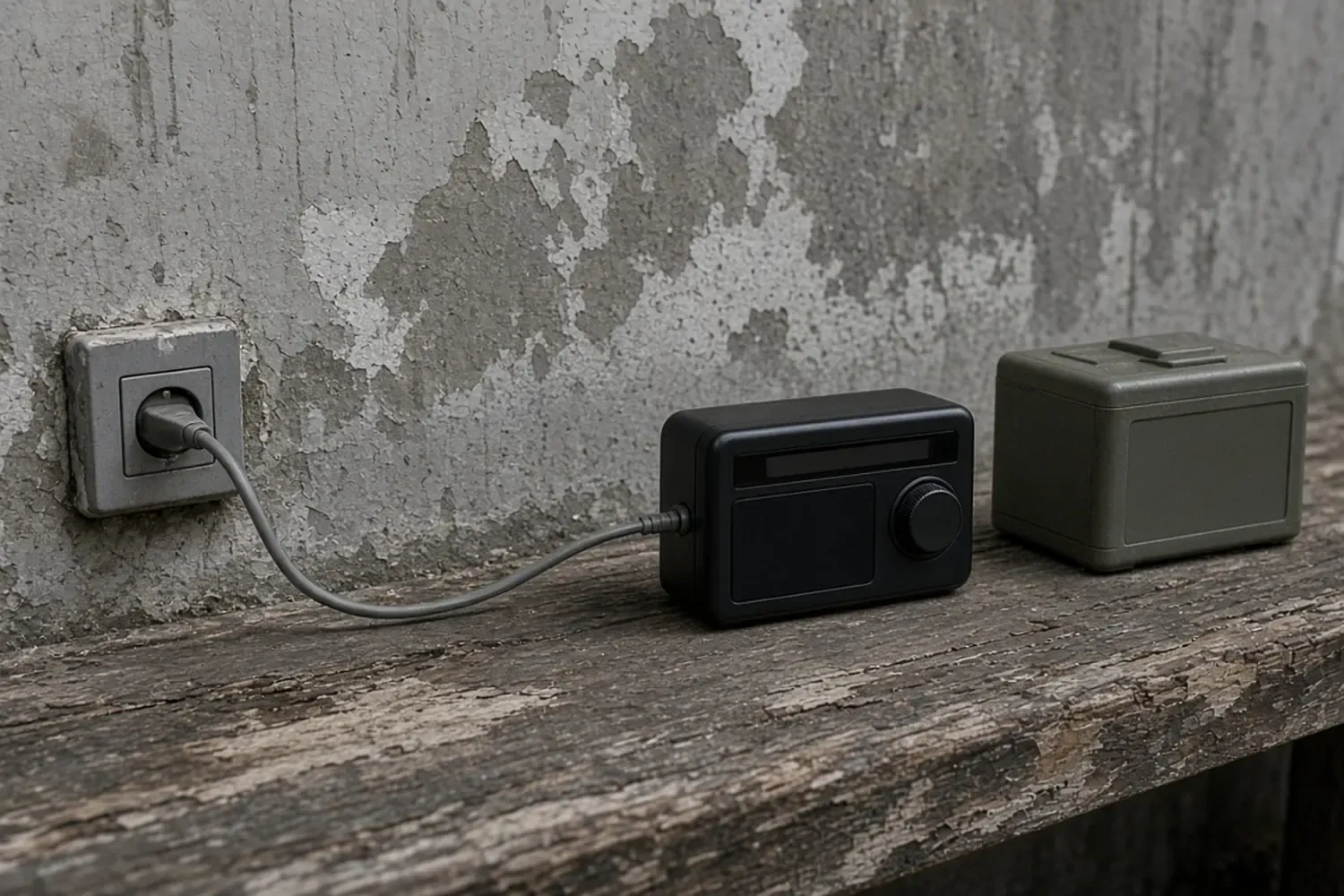
Bypass is the state in which the station is plugged in to charge and a load is connected at the same time. On DELTA 2 and DELTA 2 Max, the X-Boost section says that if the AC power button is on in that state, the station does not supply the devices. The grid does. The same numbered note says X-Boost is not available when AC output is turned on during recharge, which those manuals identify as bypass mode.
X-Boost on those two editions is enabled by default and can be changed in the EcoFlow app, but it is off the table during bypass. The manuals also say X-Boost is incompatible with appliances that have strict voltage requirements. Appliances with voltage protection, such as precise instruments, are not supported. They point X-Boost at heating devices and tell you to run your own tests if you enable it. A recorder or radio whose manual requires a steady voltage belongs with the appliances those sentences exclude. On the acceptance sheet, mark X-Boost “not used” for this job.
The bypass current cap is a different line from the EPS paragraph. It is printed in the specification tables:
Scroll horizontally to see all columns.
| Manual | Bypass line as printed | Duration note in that row |
|---|---|---|
| DELTA 2 V1.0 | 100-120 V AC, 50/60 Hz, 13 A total | None printed |
| DELTA 2 Max V1.0 | 100-120 V AC, 15 A maximum, 50/60 Hz | Less than 3 hours when current exceeds 12 A total |
| Explorer 3000 Pro | 120 V AC, 60 Hz, 12 A maximum | None printed |
Leave those figures in amperes. These rows do not print a bypass watt rating, so this page does not invent one. If the device nameplate is in watts, write the watts and write the bypass amperes beside them.
Rated AC output is a separate line, and it is the line the EcoFlow FAQ compares with appliance power. DELTA 2 states pure sine wave, 1,800 W total, surge 2,700 W, 120 V. DELTA 2 Max states pure sine wave, 2,400 W total, surge 4,800 W, 120 V, 50/60 Hz. The Explorer 3000 Pro states total AC output of 3000 W maximum and 6000 W surge peak, with the AC outlets at 120 V, 60 Hz. The FAQ in both EcoFlow manuals says to confirm each appliance’s power and keep the sum of loaded appliances below rated power. That FAQ is about the AC output ports in general.
The EPS section is tighter. DELTA 2 and DELTA 2 Max recommend that you only charge one device at a time and avoid using multiple devices together, so overload protection does not trip. The verb in the manual is “charge.” The sentence sits in the EPS section, which is about powering devices from the AC output. The Explorer 3000 Pro EPS paragraph recommends connecting only one device, and it says not to use more than one unit at a time, for the same overload reason. Both manufacturers say they are not responsible for device failure or data loss if those instructions are ignored. The sheet’s device-count field is there so the crew records whether the test stayed inside that instruction.
Device compatibility acceptance sheet
Copy this sheet, or download the acceptance CSV. The same file is listed on the resources page.
Scroll horizontally to see all columns.
| Field | What to write |
|---|---|
| Date, site, asset ID | When and where, and the tag on the station |
| Station model and serial | From the nameplate |
| Manual title and edition | The book you opened |
| EPS wording | Quote the transfer sentence, including the stated milliseconds and the 0 ms line |
| Device | Name and model of the one device under test |
| Device interruption requirement | From that device’s manual: requires 0 ms, does not, or not stated |
| Device load | The continuous figure from the device nameplate or manual, with the unit printed there |
| Station rated AC output | The rated output line from the station manual you opened |
| Bypass limit | Voltage, frequency, and current from the bypass row, plus any duration note |
| Devices on the AC output | The count during the test. These three EPS sections say one |
| X-Boost | On, off, or not in this manual. For the two EcoFlow editions in bypass, the manual says it is unavailable |
| What you did in the test | Which cord, which outlet, and what the device did when mains were removed |
| Result | Accepted under the conditions below, or not accepted |
| Conditions you accept | The limits you are willing to rely on. Do not write that the gap was zero |
| Recorded by | Name |
A result of accepted means the written device requirement, the manual lines, and the test all fit. It does not mean the interruption was zero.
If the station will not turn on, will not charge, or will not feed a port at all, stop this sheet and use the fault record. The power and lighting hub holds the sizing and supply-route guides for a different decision.
Conditions and limits
These rows are the manufacturers’ words for the three editions named above. A later printing can move a sentence. If the book in the case disagrees with a cell here, the book wins, and the sheet should say so. If the model is not one of these three, do not copy a millisecond figure from this page. Open that model’s manual and quote that book.
This page does not describe connecting a power station in series with a UPS. It does not describe fixed building wiring. It does not set up a server room or a medical system. The manuals already tell you not to attach devices that require 0 ms UPS, and they name data servers and workstations as examples.
The diagrams show the relationship among wall power, battery power, the bypass cap, and the sheet. They are not oscilloscope captures, and they are not a named product’s lab result.
Downloads
- EPS device compatibility acceptance sheet (CSV) CSV Blank sheet. Quote the manual in the case. Leave any promise of zero interruption blank.
Sources and versions
- EcoFlow DELTA 2 User Manual V1.0 (EN) , EcoFlow Supports: AC output 1,800 W total, surge 2,700 W, pure sine wave, 120 V. Bypass mode 100-120 V, 50/60 Hz, 13 A total. EPS switches to battery within 30 ms, does not support 0 ms, and excludes devices that require 0 ms UPS such as data servers and workstations. X-Boost is unavailable in bypass and is unsuitable for strict-voltage appliances.
- EcoFlow DELTA 2 Max User Manual V1.0 , EcoFlow Supports: AC output 2,400 W total, surge 4,800 W, pure sine wave, 120 V, 50/60 Hz. Bypass mode 100-120 V, 15 A maximum, 50/60 Hz, with duration under 3 hours when current exceeds 12 A total. EPS switches within 30 ms and carries the same 0 ms exclusion and one-device recommendation as DELTA 2 V1.0.
- Jackery Explorer 3000 Pro User Manual (JE-3000A, JAK-UM-V1.0) , Jackery Supports: Total AC output 3000 W max, 6000 W surge peak. Bypass mode AC input/output 120 V, 60 Hz, 12 A max. EPS switches to battery within 20 ms, does not support 0 ms, and tells the reader to connect only one device and not to use more than one unit at a time.
Next steps
Portable Power Station Troubleshooting: A Field Fault Record
Record a portable power station that will not start, charge, or feed a port against the matching manual, then stop when that edition says to call the supplier.
How to Size a Portable Power Station for Outdoor Work
Size a portable power station for outdoor work: list loads, check continuous and surge watts, estimate watt-hours with stated assumptions, and verify charging.

Portable Power & Lighting
Work out how much portable power and light an outdoor site needs, then compare options and put the requirement into a purchase request.