Portable Power Station vs Power Bank: Choosing Power for a Small Field Kit
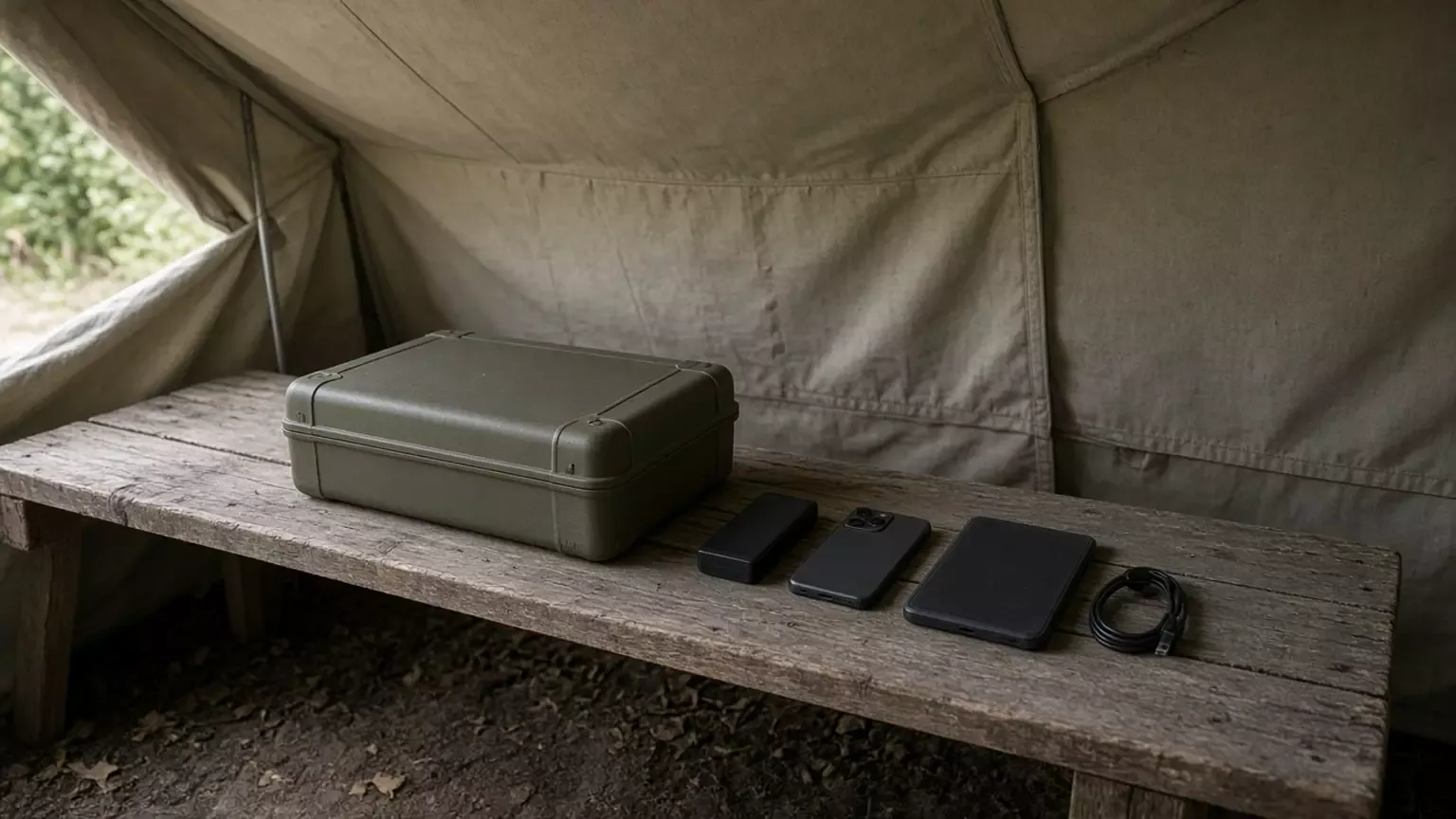
Carrying the wrong box fails a small kit when the phone, tablet, or notebook cannot take power from it. Match the device input to a printed output line before you choose a portable power station or a power bank.
No power bank manual was opened for this page, so every power bank cell stays blank. The station columns quote three manuals only. They are not a ranking, a price, or a runtime.
A portable power station and a power bank are different supplies only after you copy five lines: device input, supply output, cable rating, shared-port ceiling, and recharge method. On the USB-IF Power Delivery page saved on 11 October 2026, USB PD Revision 3.1, announced in 2021, enables up to 240W over a full-featured USB Type-C cable. Before that update, USB PD was limited to 100W using 20V and USB Type-C cables rated at 5A. DELTA 2 V1.0, DELTA 2 Max V1.0, and the Explorer 3000 Pro manual print USB-C maxima of 100W, voltages through 20V, and do not name USB Power Delivery in those output tables. A USB-C plug shape is not a 100W or 240W cable. If the device needs an AC outlet, copy the AC line. If it needs USB, copy the USB line. Hours of use stay on the sizing guide.
Scroll horizontally to see all columns.
| Item | What to copy | Why it matters |
|---|---|---|
| Device input | Connector, and the voltage, current, or watts on that device’s label or manual | Sets the line the supply has to match |
| Supply output | The output row for that same connector | A station manual and a bank label are separate documents |
| Cable | Current or watts printed on the cable | The USB-IF page ties 100W and 240W PD to cable ratings |
| Shared ports | Any total, or a note that two ports share one output | A second load can use the ceiling first |
| Recharge | The input row, and what this site can plug in | A match at the device still needs a way to refill the supply |
| Power bank column | Leave it empty until that bank’s own label is opened | This page did not open a power bank manual |
What input does the device actually require?
Copy the device line first. A phone, tablet, or notebook that names a USB voltage and current is a USB load. A device that names an AC voltage is an AC load. USB-IF describes USB as a power socket for small devices such as cell phones, tablets, portable speakers, and other hand-held devices. That sentence is about USB, not a rule that a power bank can feed only a phone.
If the device input is AC, a USB port on the supply does not answer that line. If the device input is USB, an AC outlet does not answer that line either. When the device label is silent, leave the device-input cell empty and stop the row.
What output do these three station manuals print?
The photograph shows a larger olive box beside a slim black pack. The weights below are the manuals’ weight lines, not a reading of that photograph. The power bank weight cell is empty.
Scroll horizontally to see all columns.
| Check | DELTA 2 User Manual V1.0 | DELTA 2 Max User Manual V1.0 | Explorer 3000 Pro, JE-3000A | Power bank in the kit |
|---|---|---|---|---|
| Capacity line | 1,024Wh, 51.2V | 2,048Wh | Lithium-ion 70Ah/43.2V DC (3024Wh) | |
| Weight | Approximately 12 kg (27 lbs). Dimensions 400 × 211 × 281 mm | Approximately 23 kg (50 lbs) | About 29 kg / about 63.93 lbs. Dimensions 18.6 × 14.1 × 14.7 in | |
| AC output | Pure sine wave, 1,800W total (surge 2,700W), 120V, 50/60Hz, six outlets | Pure sine wave, 2,400W total (surge 4,800W), 120V, 50/60Hz, six outlets | Four outlets at 120V, 60Hz, 20A max; one outlet at 120V, 60Hz, 25A max. Total AC output 3000W max, 6000W surge peak | |
| USB-C output | Two ports, 5/9/12/15/20V, 5A, 100W max per port, total 200W | Two ports, 5/9/12/15/20V, 5A, max 100W per port, total 200W | Two ports, 100W max, 5V 3A, 9V 3A, 12V 3A, 15V 3A, 20V 5A | |
| USB-A output | Two ports, 5V 2.4A, 12W max per port, total 24W. Two fast-charge ports, 5V 2.4A, 9V 2A, 12V 1.5A, 18W max per port, total 36W | Two ports, 5V 2.4A, max 12W per port, total 24W. Two fast-charge ports, 5V 2.4A, 9V 2A, 12V 1.5A, max 18W per port, total 36W | Two ports, Quick Charge 3.0, 18W max, 5-6V 3A, 6-9V 2A, 9-12V 1.5A |
Those capacity figures are the manuals’ capacity lines. They are not hours of runtime, and they are not a reason to prefer one column. Use the sizing guide when the job is hours under a stated load. None of the three USB-C rows prints 28V, 36V, or 48V, and none of them uses the words USB Power Delivery. Do not promote the voltage list into a PD claim.
The Explorer 3000 Pro manual says USB Type-C and USB-C are trademarks of the USB Implementers Forum, and it names Quick Charge 3.0 on the USB-A line. Quick Charge is a separate name in that manual. It is not the USB PD page.
What must the cable be rated to carry?
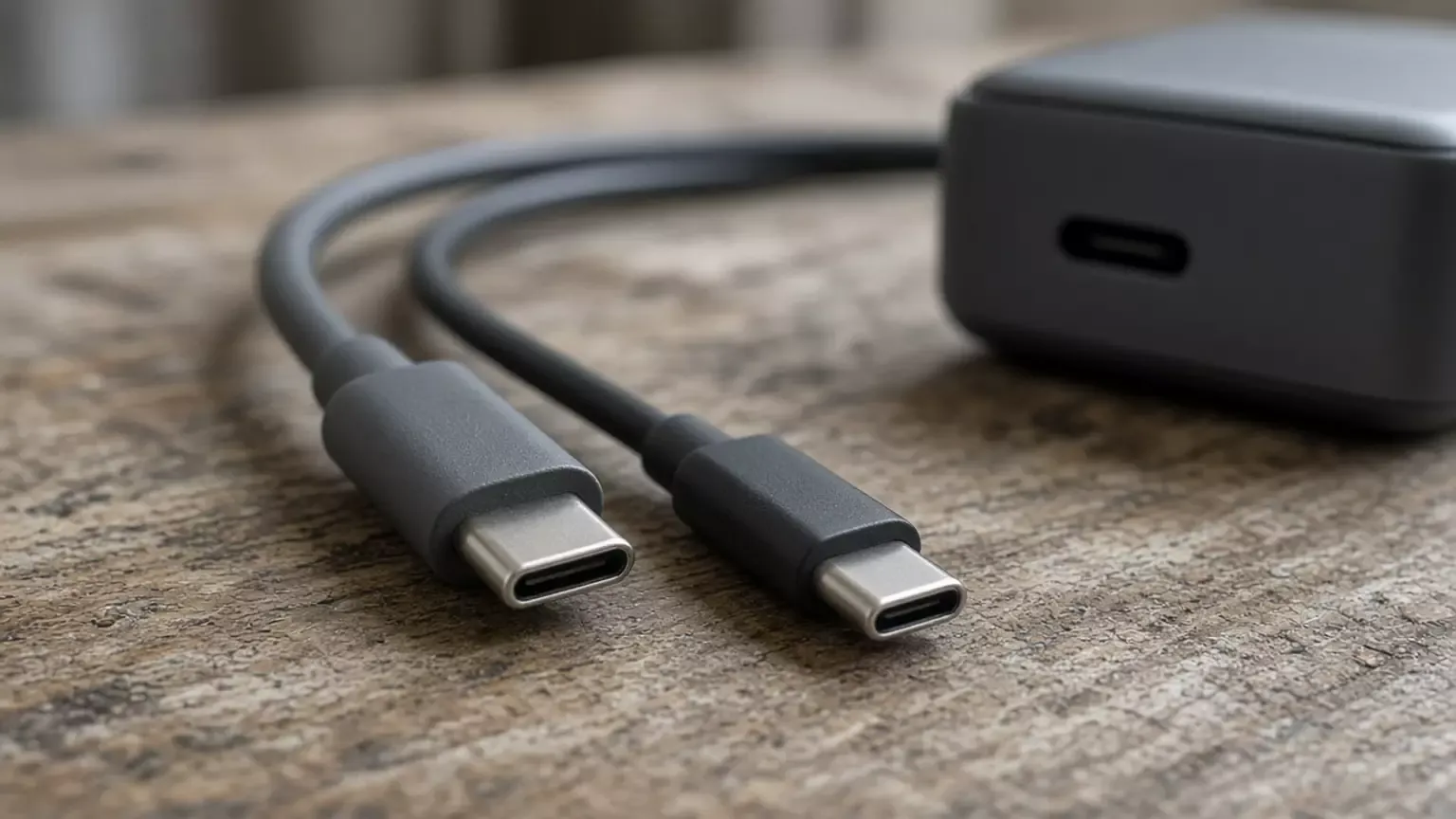
The USB-IF page says that, before Revision 3.1, USB PD was limited to 100W using a solution based on 20V and USB Type-C cables rated at 5A. Revision 3.1, announced in 2021, enables up to 240W over a full-featured USB Type-C cable and connector. The USB Type-C specification was updated to Release 2.1 to define 240W cable requirements. The same page says fixed voltages of 28V, 36V, and 48V enable up to 140W, 180W, and 240W. An adjustable voltage supply lets the powered device request intermediate voltages between 15V and the charger’s maximum available fixed voltage. Power direction is no longer fixed: the product that has the power, host or peripheral, can provide it.
That is a description of the specification. It does not say the DELTA 2, the DELTA 2 Max, or the Explorer 3000 Pro implements it. Their printed USB-C ceilings are 100W. A cable with no current and no watt marking stays an empty cell. Do not treat the connector shape as the rating.
Write the cable cell from the jacket or the cable’s own sheet. If the device asks for more than the cable’s printed rating, the row does not fit, even when the supply’s port line is higher.
Which ports share one ceiling?
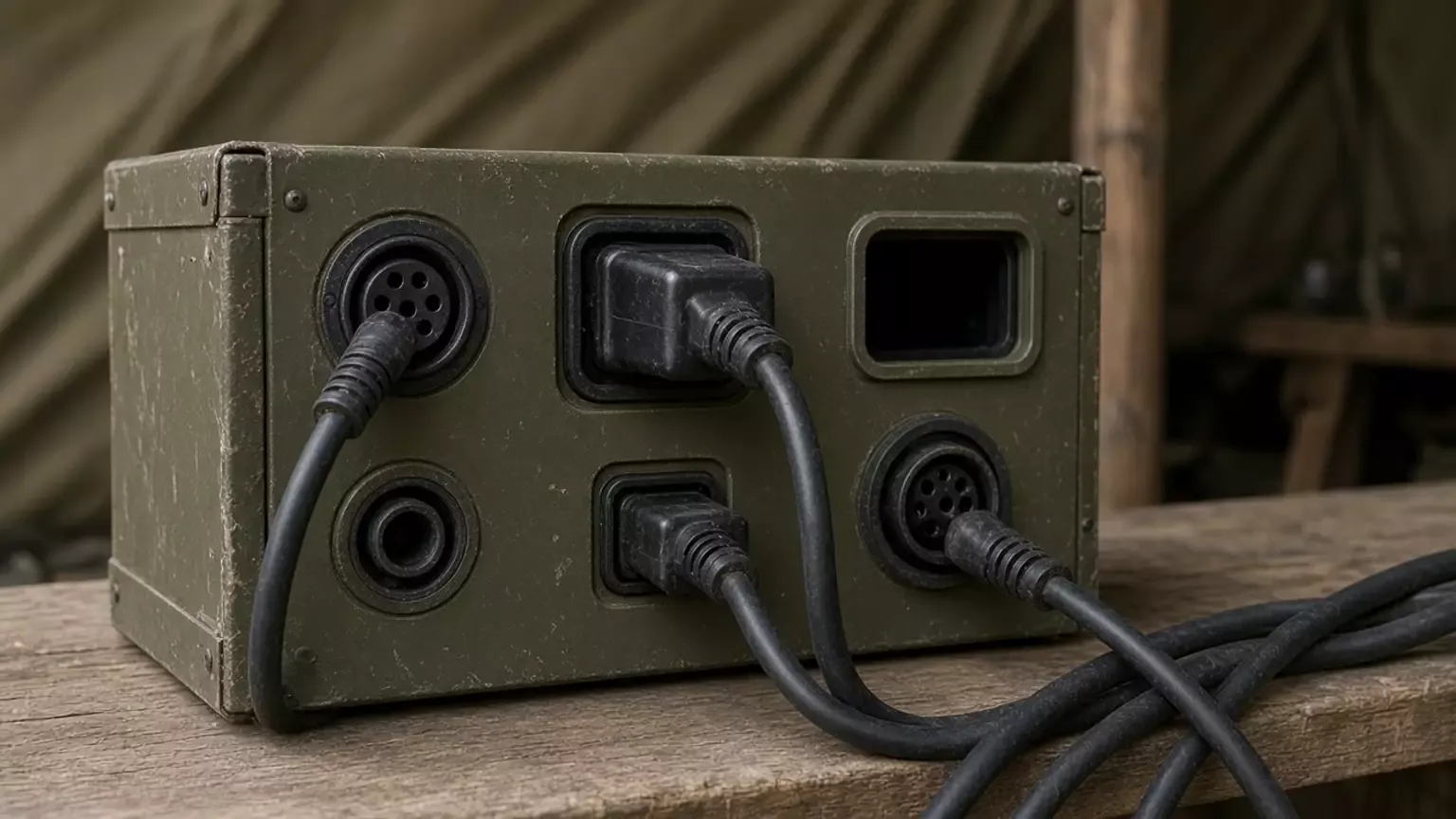
The photograph shows several cords on one housing. It does not show the manuals’ port names. The shared limits are the printed notes:
Scroll horizontally to see all columns.
| Manual | Shared-output note as printed |
|---|---|
| DELTA 2 V1.0 | The car outlet shares power with the DC5521 output port, maximum 126W. USB-C is 100W max per port and 200W total. USB-A is 12W max per port and 24W total. USB-A fast charging is 18W max per port and 36W total. |
| DELTA 2 Max V1.0 | A car charger shares power with the DC5521 output port, maximum 126W. The USB totals match the DELTA 2 V1.0 totals above: USB-C 200W, USB-A 24W, USB-A fast charging 36W. |
| Explorer 3000 Pro | The DC button turns on the USB and car-port outputs together. The specification table does not print a shared watt total for those ports. |
| Power bank in the kit |
On the two EcoFlow editions, a second device on the same USB-C pair is inside the 200W total, not a second independent 200W. On the Explorer 3000 Pro, leave the shared-watt cell empty. The DC-button sentence is the note that manual prints. If a port will not turn on at all, stop this matrix and use the fault record.
How does the supply get power back?
Refill is a separate line from output. Copy the input row that matches the plug available on this site. A wall cord, a vehicle outlet, and a solar lead are different inputs.
Scroll horizontally to see all columns.
| Manual | Input line | Cable note in that manual |
|---|---|---|
| DELTA 2 V1.0 | AC charging, X-Stream fast charging, 1,200W max, 100-120V, 50/60Hz. Solar charging, 11-60V, 15A max, 500W max. Car outlet, supports 12V/24V battery, default 8A. | |
| DELTA 2 Max V1.0 | AC input, X-Stream max 1,800W, 15A, 100-120V, 50/60Hz. Solar charging input, 11-60V, 15A, 500W on one port and 1,000W on two ports. Car charger, supports 12V/24V battery, default 8A. | Use the AC charging cable included in the package for fast charging. Do not use other cables to charge. |
| Explorer 3000 Pro | Charge-mode AC input, 120V, 60Hz, 15A max. The specification table does not print an AC-charge watt figure. DC input, two DC 8mm ports: 11-17.5V, 8A max, double to 8A max; 17.5-60V, 12A, double to 24A, 1400W max. | |
| Power bank in the kit |
The Explorer 3000 Pro AC-charge cell stays in amperes because that row does not print watts. This page does not invent a watt figure from 120V and 15A. The DELTA 2 Max solar cell is the manual’s 500W and 1,000W lines. It is not a claim about a panel that was not in that sentence.
Field kit port matrix
Copy this sheet, or download the port matrix CSV. The same file is listed on the resources page.
Scroll horizontally to see all columns.
| Field | What to write |
|---|---|
| Date, site, kit | When, where, and which bag |
| Device | Name and model |
| Device input | Quote the connector and the voltage, current, or watts. Leave empty if the label is silent |
| Supply | Station or power bank, plus model |
| Manual or label | Title and edition, or “label on the unit” |
| Matching output line | The row for the same connector. Leave empty if that document has no such row |
| Cable marking | Current or watts printed on the cable. Leave empty if the cable has no marking |
| Shared-port note | The total or shared-output sentence, and the other loads on that group during the shift |
| Recharge | The input line, and whether this site has that plug |
| Result | Fits the printed lines, does not fit, or left blank |
| Recorded by | Name |
A result of “fits” means the device line, the output line, the cable marking, and the shared-port note all cover that one device. It does not mean the other supply is worse, and it does not mean the kit will run for a stated number of hours.
If the device must stay up through a wall-power cut, that is a different check. Use the EPS compatibility sheet and keep it with the device. A fuel generator is a different supply route, covered in the generator comparison. The power and lighting hub holds the sizing guide for the hours calculation.
Takeaway: Leave a cell blank when the document in front of you does not print that line.
Method and sources
The station cells come from three manufacturer manuals read for this page: DELTA 2 User Manual V1.0, DELTA 2 Max User Manual V1.0, and the Explorer 3000 Pro manual for model JE-3000A. The cable section uses the USB-IF USB Power Delivery page saved on 11 October 2026. SavvySkull did not measure these products. A later printing can move a sentence. If the book in the case disagrees with a cell here, the book wins, and the sheet should say so.
This page does not set a price, a runtime, or a winner. It does not treat every power bank as phone-only. It does not copy a 100W or 240W figure onto a cable that does not print one. It does not apply one model’s weight, capacity, or output line to a model that is not in the table. Air-travel rules and cold-weather charging are outside this sheet.
Downloads
- Field kit port matrix (CSV) CSV Blank sheet. Copy printed lines only. Leave a cell empty when the document does not print it.
Sources and versions
- EcoFlow DELTA 2 User Manual V1.0 (EN) , EcoFlow Supports: Capacity 1,024Wh, 51.2V. Weight about 12 kg (27 lbs). Dimensions 400 × 211 × 281 mm. AC output pure sine wave, 1,800W total, surge 2,700W, 120V, 50/60Hz, six outlets. USB-A and USB-C output lines, including USB-C 100W max per port and 200W total. Car outlet shares 126W with the DC5521 ports. AC charge 1,200W max. Solar charge 500W max. Car charge supports 12V/24V, default 8A.
- EcoFlow DELTA 2 Max User Manual V1.0 , EcoFlow Supports: Capacity 2,048Wh. Weight about 23 kg (50 lbs). AC output pure sine wave, 2,400W total, surge 4,800W, 120V, 50/60Hz, six outlets. USB-C 100W max per port and 200W total. Car outlet shares 126W with the DC5521 ports. AC charge X-Stream max 1,800W. Solar charge 500W on one port and 1,000W on two. Use the included AC charging cable for fast charging; do not use other cables to charge.
- Jackery Explorer 3000 Pro User Manual (JE-3000A) , Jackery Supports: Capacity lithium-ion 70Ah/43.2V DC (3024Wh). Weight about 29 kg (63.93 lbs). Dimensions 18.6 × 14.1 × 14.7 in. Total AC output 3000W max, 6000W surge peak. USB-C 100W max with the printed voltage and current pairs. USB-A Quick Charge 3.0, 18W max. USB and car port turn on from the DC button. AC charge input 120V, 60Hz, 15A max. DC input up to 1400W max on the higher voltage range.
- USB Charger (USB Power Delivery) , USB-IF Supports: Saved page from 11 October 2026. USB PD Revision 3.1, announced in 2021, enables up to 240W over a full-featured USB Type-C cable. Before that update, USB PD was limited to 100W using 20V and Type-C cables rated at 5A. The page describes negotiation. It does not state that any power station or power bank implements it.
Next steps
How to Size a Portable Power Station for Outdoor Work
Size a portable power station for outdoor work: list loads, check continuous and surge watts, estimate watt-hours with stated assumptions, and verify charging.
Portable Power Station Troubleshooting: A Field Fault Record
Record a portable power station that will not start, charge, or feed a port against the matching manual, then stop when that edition says to call the supplier.

Portable Power & Lighting
Work out how much portable power and light an outdoor site needs, then compare options and put the requirement into a purchase request.